
Note
Go to the end to download the full example code.
Far-Fields Computation and Visualization#
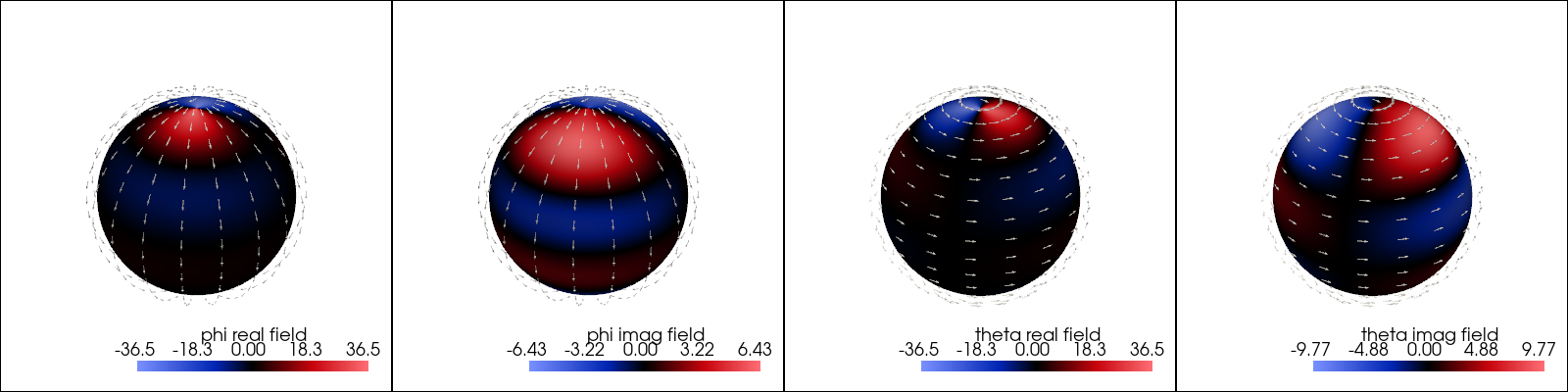
This example demonstrates the process of computing and visualizing the far-fields of a scatterer using PyMieSim.
from PyMieSim import (
    ureg,
    Gaussian,
    PolarizationState,
    Sphere,
    Simulation,
)

polarization = PolarizationState(angle=30 * ureg.degree)

source = Gaussian(
    wavelength=1000 * ureg.nanometer,
    polarization=polarization,
    optical_power=1 * ureg.watt,
    numerical_aperture=0.3,
)

scatterer = Sphere(
    diameter=1500 * ureg.nanometer,
    material=1.4,
    medium=1.0,
)

setup = Simulation(
    scatterer=scatterer,
    source=source,
)

far_fields = setup.get_representation("farfields", sampling=100)

## Visualize the far-fields: phi_real component
figure = far_fields.plot("phi_real")

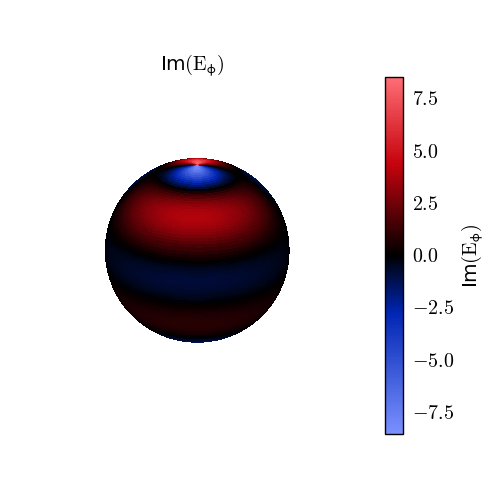
## Visualize the far-fields: phi_imag component
figure = far_fields.plot("phi_imag")

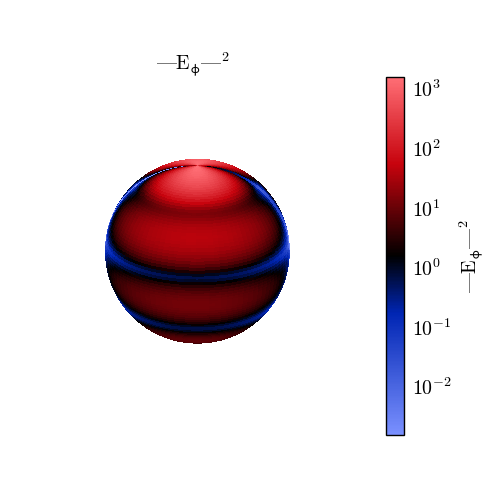
## Visualize the far-fields: phi_magnitude component
figure = far_fields.plot("phi_intensity")
Total running time of the script: (0 minutes 5.026 seconds)